Sign up for our Monthly Newsletter!
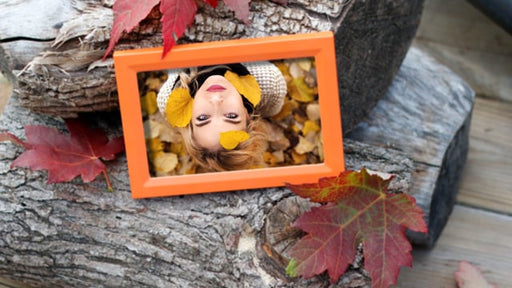
This is a single Slide Style for Photopia Director and Creator that will automatically change based on your image orientation.
This is a single Slide Style for Photopia Director and Creator. This Style comes with a video tutorial explaining how to adjust our image behind th...
View full detailsThis is a single Slide Style for Photopia Director and Creator. The Style uses the font Anudaw, which can be downloaded for free from 1001freefonts...
View full detailsThis is a single Slide Style for Photopia that uses an MP4 video file as an overlay.
This is a set of two Slide Styles for Photopia Director and Creator. One style uses two photos, the other style will automatically adjust for eithe...
View full detailsThis is a single Title Slide Style for Photopia Director and Creator. Still using ProShow? View the ProShow version of this Slide Style here.
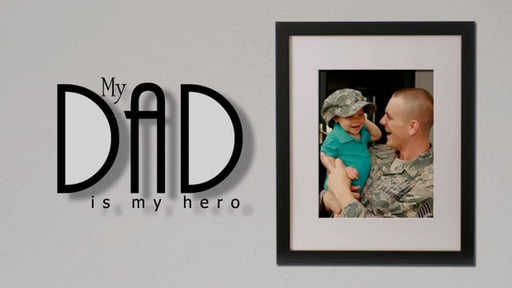
This is a single Slide Style for Photopia Director and Creator that will automatically adjust to your image orientation.The "Dad Hero" text is no...
View full detailsThis is a single Slide Style for Photopia Director and Creator.
This is a single Slide Style for Photopia Director and Creator. This Style utilizes the Square Crop Preset, which will automatically be applied to ...
View full detailsThis style creates a cinematic look, showcasing your main image at the center, with soft duplicates on each side. Settings include: Zoom In or Zo...
View full detailsThis is a single Slide Style for Photopia Director and Creator. It will adjust based on your image orientation. The text can be changed to be used...
View full detailsPut your photo front and center while creating depth and motion behind it! This Slide Style features a single image, any orientation, surrounded by...
View full detailsThis is a set of two Slide Styles for Photopia Director and Creator. A tutorial is included showing you how you can change the color of the curve.
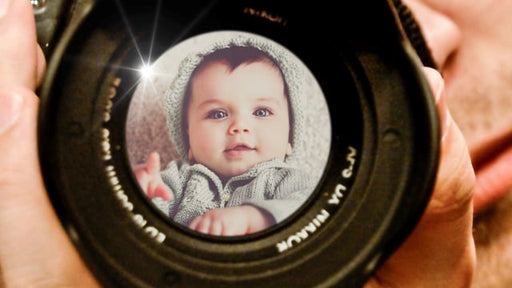
This is a single Slide Style for Photopia Director and Creator. Any image orientation can be used, as your image will be cropped into a circle shape.
This is a single Slide Style, that uses two text layers.
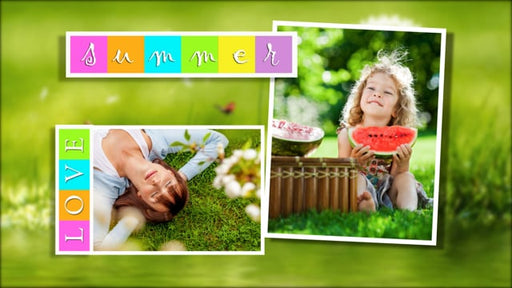
This Photopia Slide Style features your image, displayed in any orientation behind a customizable frame. The word "Love" is a PNG image, while the...
View full detailsThis style showcases eight images in Landscape, Portrait, or Square orientations. There are Featured Settings for you to choose a vignette or an ou...
View full detailsThis is a single slide style for Photopia Director and Creator.The font Blacksword can be downloaded for free from DaFont.com
This is a set of 2 Slide Styles, one with white text and one with black. The text in this Style is actually a video file, so it cannot be edited, ...
View full detailsThis is a single Slide Style for Photopia Director and Creator. The font used is called Blacksword and can be downloaded for free from DaFont.comT...
View full detailsThis is a single Slide Style for Photopia Director and Creator. The message in the window is a Caption Layer that you can change to say anything y...
View full detailsThis is a Single Slide Style for both Photopia Director and Creator. The Style will adjust to fit either Wide or Tall Images.
This Slide Style uses 5 images, three that are cropped into a square and two tall images. It is compatible with both Photopia Director and Creator....
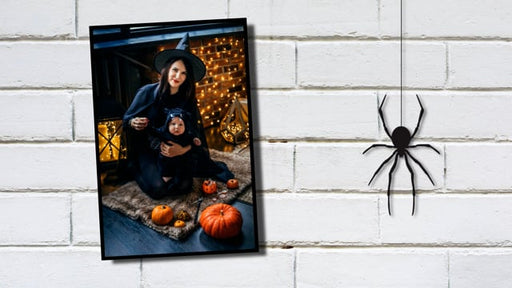
View full detailsAdd some creepy crawly to your Halloween slideshow with this bounce-in spider slide! You can use any image orientation. Follow the "Create It!" Tut...
View full details