Sign up for our Monthly Newsletter!
This Slide Style is designed to help get you started with Photopia! Follow along with the accompanying tutorial to learn about: Importing third-pa...
View full detailsThis Slide Style is compatible with both Photopia Director and Creator and will recognize your image orientation. A Video Tutorial is included.
This is a set of 12 Slide Styles for both Photopia Director and Creator. Each Style can use any orientation image (Photopia will recognize the ori...
View full detailsThis Slide Style is compatible with both Photopia Director and Creator. A Video Tutorial is included.
This Slide Style is compatible with both Photopia Director and Creator. A Video Tutorial is included.
This Slide Style comes with two variations, a left and a right, and is compatible with both Photopia Director and Creator. A Video Tutorial is inc...
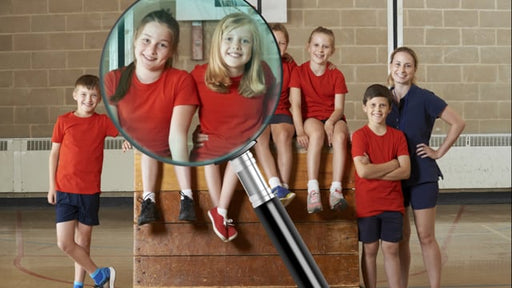
View full detailsThis is a single Slide Style for either Photopia Director or Creator. A video tutorial is included, explaining how you can change where the Magnif...
View full detailsThis style pack includes 20 slide styles that display your images in groups of 2, 3, 4, or 5. It also includes 25 still backgrounds that can be com...
View full detailsThis is a set of 5 Slide Styles for both Photopia Director and Creator. You can download the font Algerian for Free from DaFont.com A Video Tutoria...
View full detailsThis Title Slide Style is compatible with both Photopia Director and Creator. A Video Tutorial is included.
This is a set of 6 Slide Styles for Photopia Director and Creator. A video tutorial is included. The song used in the preview is called "Ever Be...
View full detailsThis is a single Slide Style for Photopia Director and Creator. Click Here to watch the All About Slide Styles Tutorial, to learn the basics.Clic...
View full detailsThis is a pack of 12 Slide Styles for Photopia Director and Creator. The song used in the preview is called "Home" and it is available in both Dire...
View full detailsThis Slide Style uses 5 images, three that are cropped into a square and two tall images. It is compatible with both Photopia Director and Creator....
View full detailsThis Slide Style Pack for Photopia Director and Creator includes 32 Slide Styles and a video tutorial to help you customize the Styles.
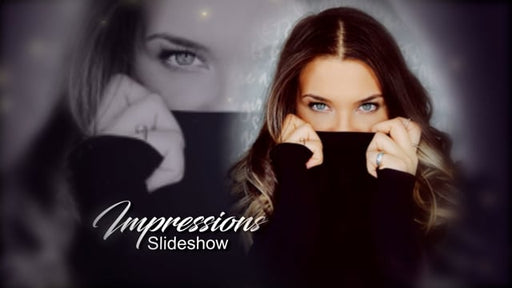
Put your photo front and center while creating depth and motion behind it! This Slide Style features a single image, any orientation, surrounded by...
View full detailsThis style creates a cinematic look, showcasing your main image at the center, with soft duplicates on each side. Settings include: Zoom In or Zo...
View full detailsThis is a single Slide Style for Photopia Director and Creator. This Style utilizes the Square Crop Preset, which will automatically be applied to ...
View full detailsThis is a single Title Slide Style for Photopia Director and Creator. Still using ProShow? View the ProShow version of this Slide Style here.
This is a pack of 10 Slide Styles for Photopia Director and Creator. Each style will automatically adjust for a tall or wide image, giving you a t...
View full detailsThis is a set of 10 Slide Styles for Photopia Director and Creator. A Video Tutorial is included.
This is a pack of 20 Slide Styles, for Photopia Director and Creator. A video tutorial is included.
This was based off of a request to make an iPad Style that could transition from one image to another....in different slides....without moving the...
View full detailsThis is a simple Title Slide for Photopia; no images are used. This Style is applied to a blank slide, then change the text to say whatever you wo...
View full details